
With one click
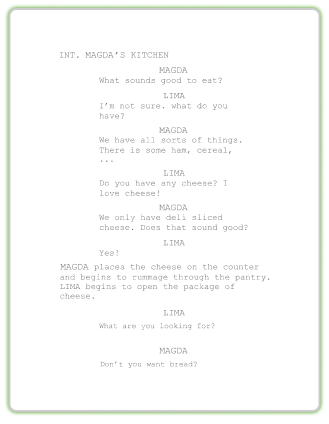
Export a perfectly formatted traditional script.
We’re excited to announce a new feature in SoCreate Writer: the ability to easily add groups and crowds to your stories! This makes it easy to bring your scenes to life with multiple characters simultaneously.
Open SoCreate Writer and click the Add Character button on the right-hand side.
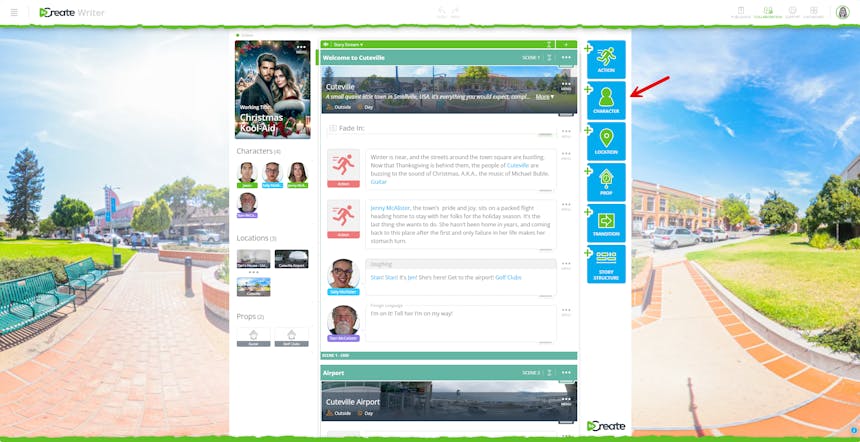
Select Add Group from the options at the top.
Customize your group:
● Group Name
● Group Size: 2–25 characters
● Gender: All genders, mostly female, mostly male
Optionally, you can assign characters from your story to be a part of the group.

Assign dialogue lines to your group, and their voices will be based on any characters you’ve added, with additional voices automatically generated to match your chosen group size. The group speaks in unison, and if your characters are included, you’ll clearly hear their distinct voices within the group. If you create a group of 10 but only assign five characters, SoCreate’s publishing process will fill in the remaining voices automatically. Gender selection will influence the overall voice (e.g., mostly female = mostly female voices).
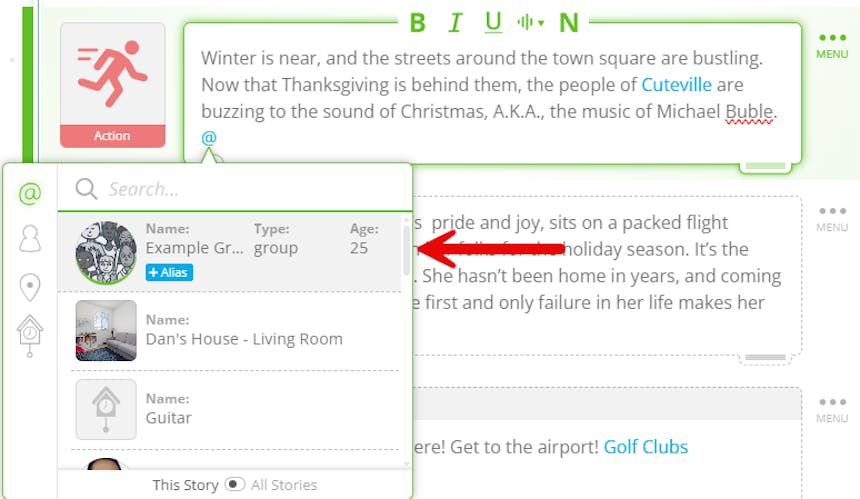
Be sure to tag your group everywhere you want them to appear in the story. For example, if you have a group of ten people with five of your characters assigned, and you tag that group in an action, when we bring that action to life during publishing, we will ensure that all five of your characters and five random characters are in the shot. These random characters will be visually created based on your group description, so be sure to include clear details if you want them to look a specific way.
Finally, describe the group’s appearance, what they look like, what they’re wearing, or any notable details to help us bring your vision to life!
For example, “A group of sorority girls in their early 20s, each wearing a distinct white dress paired with stylish high heels. Their hair and makeup vary, showcasing individual personalities, but together they present a polished, cohesive, and lively presence.” Add a group now!
Click Add Character and select Add Crowd.
Customize your crowd:
● Crowd Name
● Size: Small (25–100), Medium (100–500), Large (500–10,000)
○ Small: A school amphitheater for an elementary school holiday performance.
○ Medium: A high school graduation ceremony.
○ Large: A stadium crowd at a professional sports game.
● Gender: All genders, mostly female, mostly male

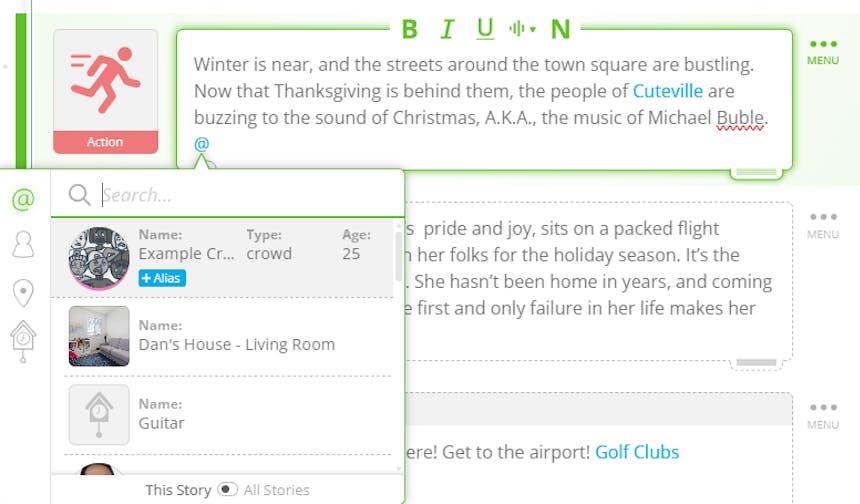
Tag your crowd and assign dialogue lines. Voices will match your selected gender, creating a realistic ensemble.
Describe the crowd’s appearance, how they look, what they’re wearing, and any key details.
For example, “A medium-sized crowd of about 200 people at an outdoor music festival. Ages range 18–35, with a mix of genders and diverse ethnicities. Most wear casual summer clothes, T-shirts, tank tops, shorts, sundresses, with sunglasses, hats, backpacks, or glow sticks.” Add a crowd to your story!
Export a perfectly formatted traditional script.
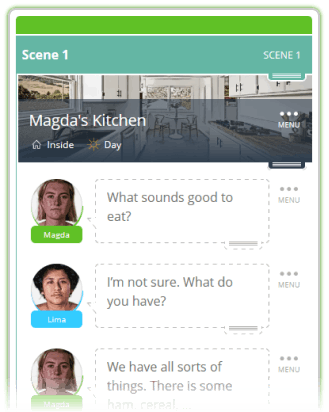
With these updates, adding complex scenes with multiple characters or bustling crowds is now easier than ever! If it’s a small group of friends or a massive festival crowd, your stories will feel more alive, dynamic, and immersive. Try it out in SoCreate Writer today!