Sound effects add momentum and realism to your story. Strategic audio cues, such as a door slamming, glass breaking, or an explosion, can intensify key moments and keep your audience emotionally engaged.
How to add sound effects:
1. Open your project in SoCreate Writer.
2. Select the line of action or dialogue where you want the sound to occur.
3. Position your cursor at the exact moment the sound should play.
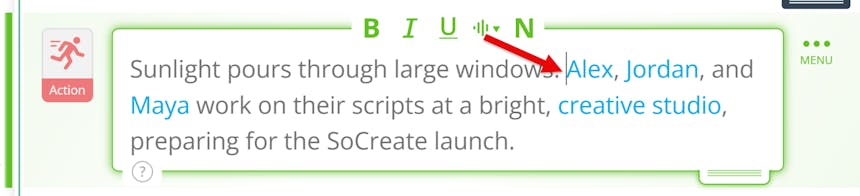
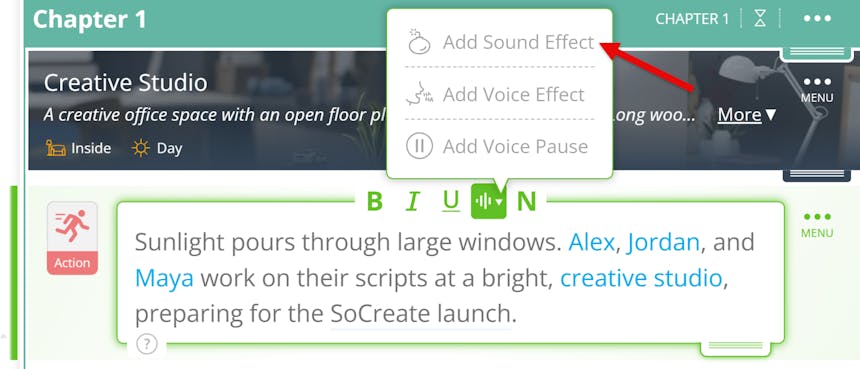
4. Click the sound button to open the menu. Choose the ticking bomb icon, and a sound effect block will appear in your story stream.
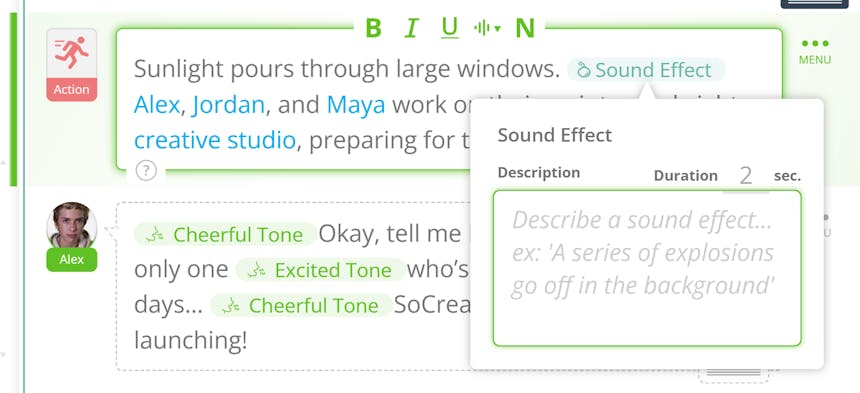
5. Describe the sound in detail, such as glass shattering or a car door slamming shut.
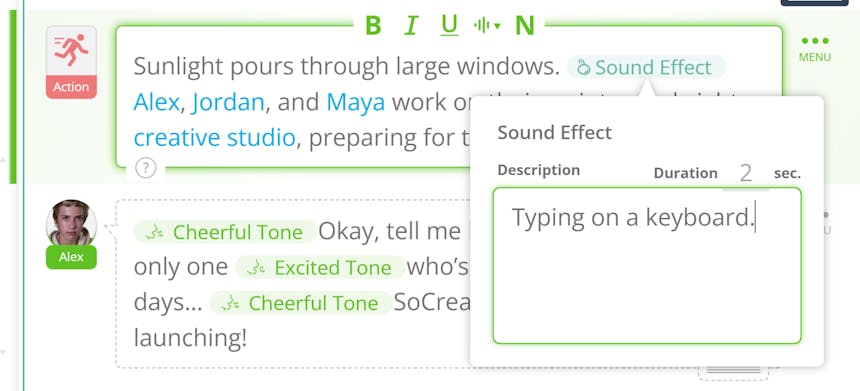
When your story is exported to SoCreate Storyteller, the AI will generate the sound effect and play it exactly where you place it. The more specific your description, the more immersive the result. Open SoCreate Writer and add sound effects to your story now!