
With one click
Export a perfectly formatted traditional script.
You asked. We delivered.
You can now go from PDF to SoCreate Writer in just a few clicks.
We’ve heard from our members who have stories living everywhere: in pitch decks, novels, children’s books, screenplays, short stories, and documents of all kinds. You’ve already put in the work to create your story. Now, you can bring it directly into SoCreate and keep developing it from there.
If you can turn your document into a PDF, you can import it into SoCreate Writer.
If you’re working on a:
Screenplay
Novel
Short Story
Children's book
Pitch deck
Treatment
Or something completely unique
SoCreate will do its best to convert your PDF into our format so you can continue developing your story inside SoCreate Writer.
No need to start from scratch. Simply import your PDF and let SoCreate handle the formatting so you can get back to creating.
Importing your story is just the beginning.
Once your story is in SoCreate Writer, you can start turning the words on the page into a more immersive experience. Generate imagery for your characters, locations, and props. Give your characters voices. Add music, background sounds, and sound effects.
Then, press play.
Instead of only reading your story, you can hear how it sounds and see how it comes to life.
It’s a new way to experience the story you’ve already created and discover what it feels like beyond the page.
Your story exists as a PDF, ready to be read.
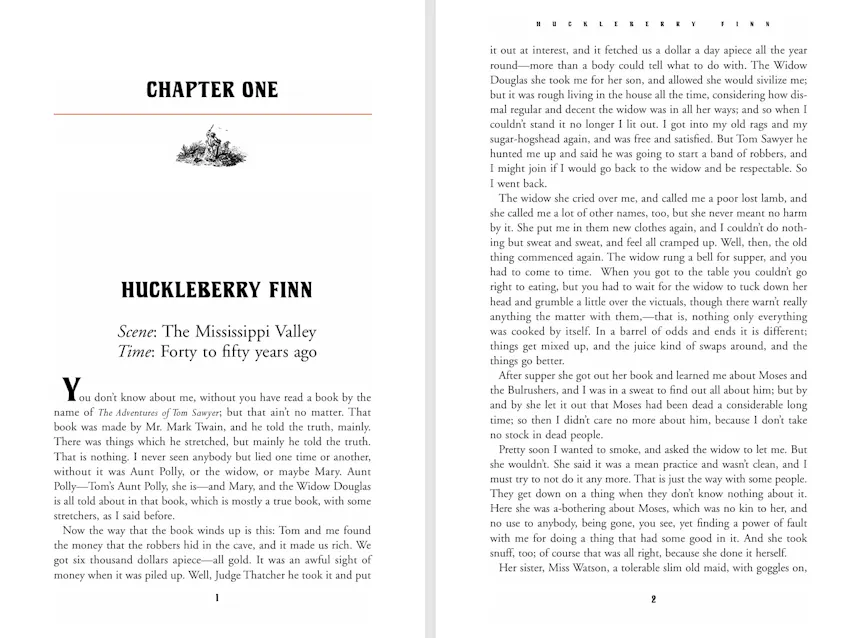
Your story is inside SoCreate, ready to be developed into a story you can read, hear, and experience.
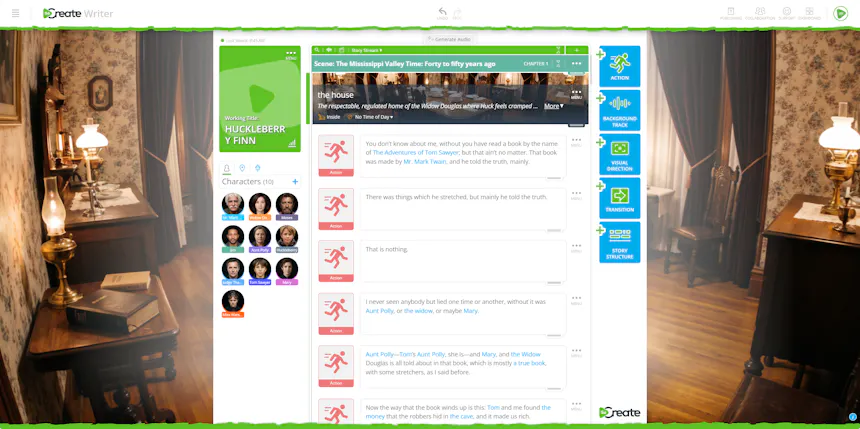
The words you’ve already written become the foundation for something more.
Getting started is simple:
Start a new project or open an existing one.
Choose the PDF you want to bring into SoCreate. You’ll see a loading bar at the top of the Writer while your document is being converted.
Once the import is complete, open your new story in SoCreate Writer. Your formatting will be ready for you to continue working with.
From there, you can develop your characters, locations, and props, generate visuals, choose character voices, and add audio to your story.
Generate your audio and imagery, then listen as your story comes to life inside SoCreate.
Export a perfectly formatted traditional script.
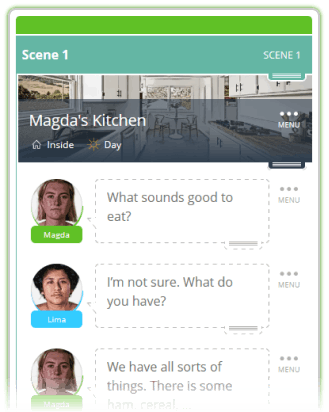
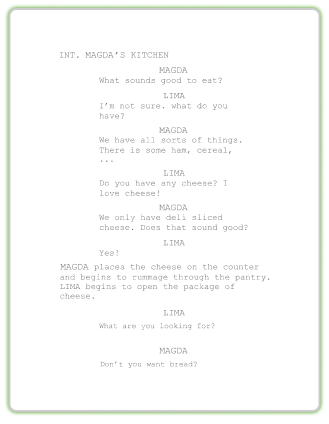
Your story can start as a document and become something you can read, hear, see, and experience.
If you’ve been working on a screenplay for months, have a novel sitting on your computer, or have a pitch deck ready to go, you can now bring it into SoCreate and continue creating from there.
Try the new PDF import feature today and see where your story can go.